Dropdown List
A filter for dashboard users; every widget on the same dataset follows the selection.
The dropdown list is a visual filtering tool for the users within a dashboard. Widgets that use the same dataset will adapt accordingly to the filter.
Creating a Dropdown List
Select Dropdown List from the list of Text Widgets in the widget menu.

Configuring your chart
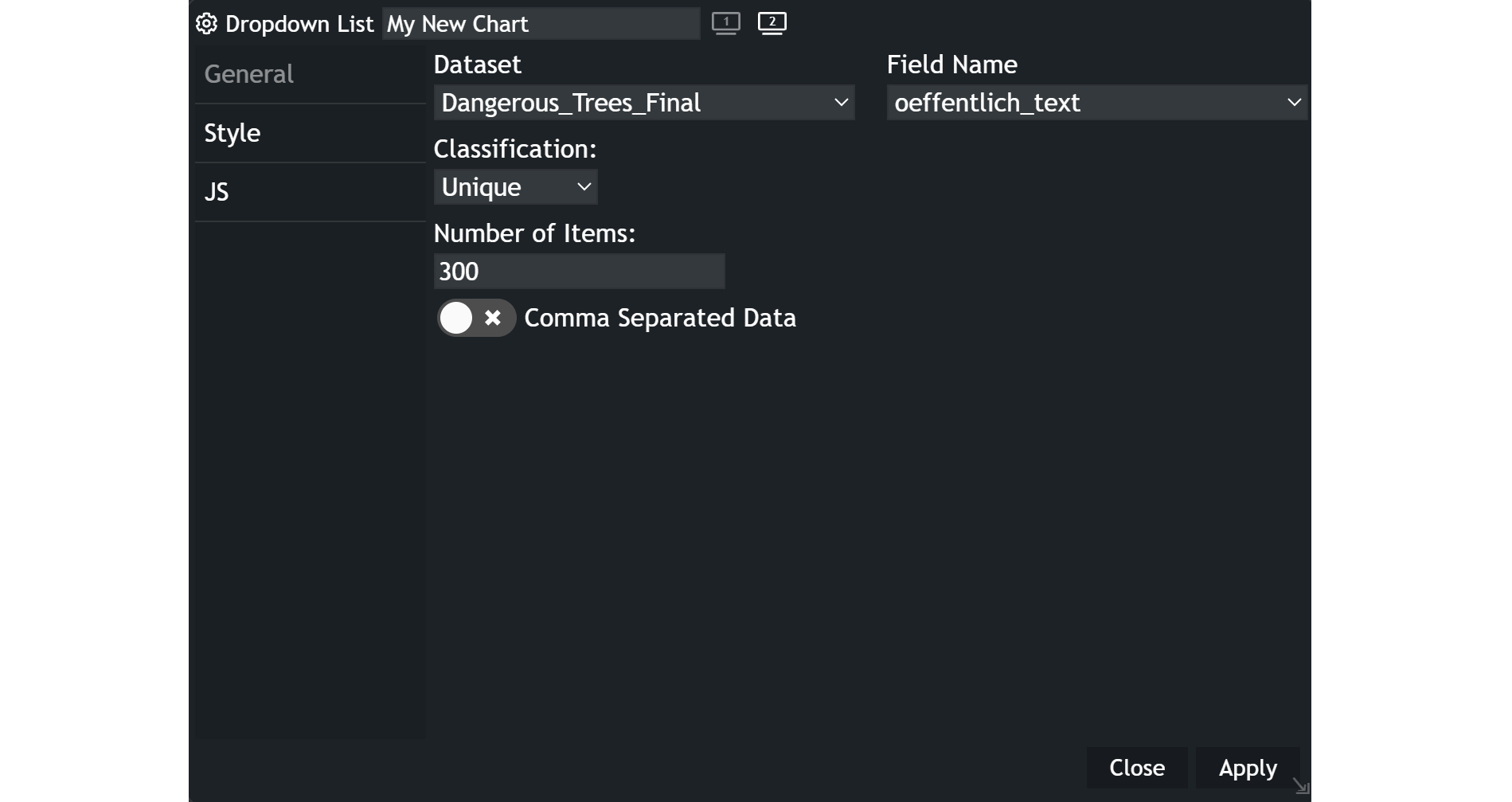
- Customize the chart name by clicking on
My New Chartat the top of the modal. - Choose your
datasetand the specificfieldyou want to display. - Select the
classificationcriteria that best suits your needs. Number of Itemslimits the selectable choices, which is set to 300 by default.
Using the Dropdown List
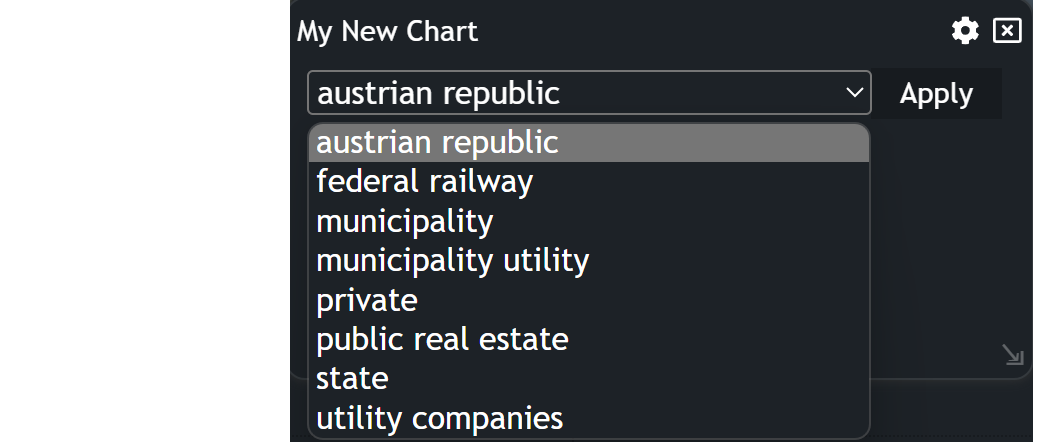
- Click within the dropdown list control. This action will trigger the display of a list of entries.
- Use the scroll bars provided to navigate through the list and locate the specific text you want to use as a filter.
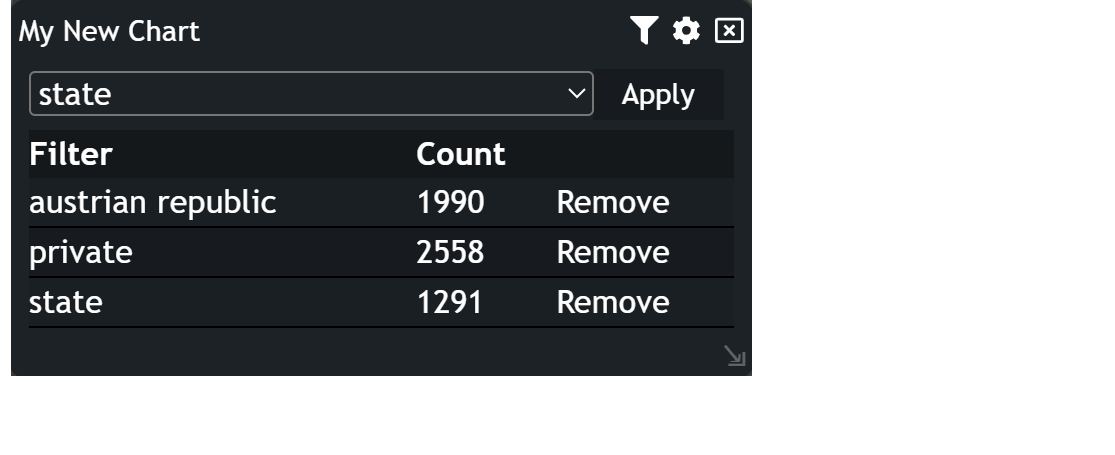
- Click on the selected entry and
Applyto set the filter. Once the filter has been applied, a small table will be displayed. This table shows the Filter, The Count (number of features within the filter) and aRemovebutton.
Updated on Aug 11, 2026