FormGroup
Groups FormFields visually inside a form, with room for help text beside them.
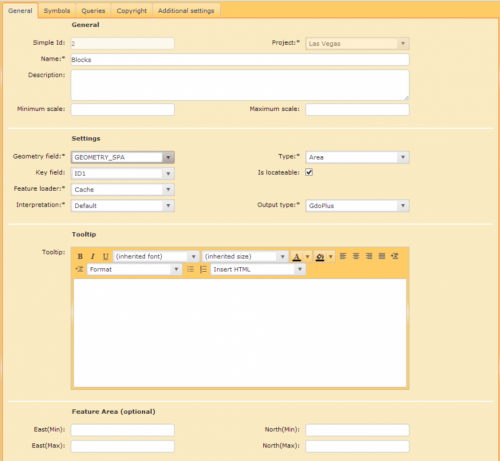
The FormGroup element is used for the visual grouping of FormFields inside a form. The area on the left displays the name of the FormGroup and is used for the definition of FormFields; the area on the right can be used for further help text.
Attributes
| Attribute | Mandatory | Description | Example |
|---|---|---|---|
| name | yes | Unique name of the FormGroup within the form. | name="GENERAL" |
| authorization | no | Only users with the appropriate Role/Claim are authorized to view/process the element. |
|
| editable | no | Boolean value which defines if the form is editable. |
|
| help | no | Help text for the FormGroup. | help="Use this settings ..." |
| label | no | Label for the form displayed in Workflow-Form. | label="General Data" |
| template | no | Defines the layout template for the FormGroup section. The default template (not to be defined) is the template with the FormField section on the left and a Help section to the right (see the screenshot above). | template="MyTemplate" |
| visible | no | Defines the visibility of the FormGroup. The result has to deliver true or false. More details can be found here. | Examples can be found here |
Example
<FormGroup name="SETTINGS" label="Settings" visible="false">
    ...
</FormGroup>
Updated on Aug 11, 2026